Important: Omnipod Products Recall Notice
Omnipod has issued a product recall. Please visit their official website for full details, affected product lots, and next steps for your safety.
Ready-to-use banner images. Download and place directly on the website.
Copy-paste HTML code directly into the website. Fully responsive, no image files needed.
Slim top-of-page alert bars. Great for placing above the main navigation.
An attention-grabbing modal overlay that appears on first visit. Combines both messages.
Omnipod Recall: Omnipod has issued a product recall. Please visit their official website for details on affected products and next steps.
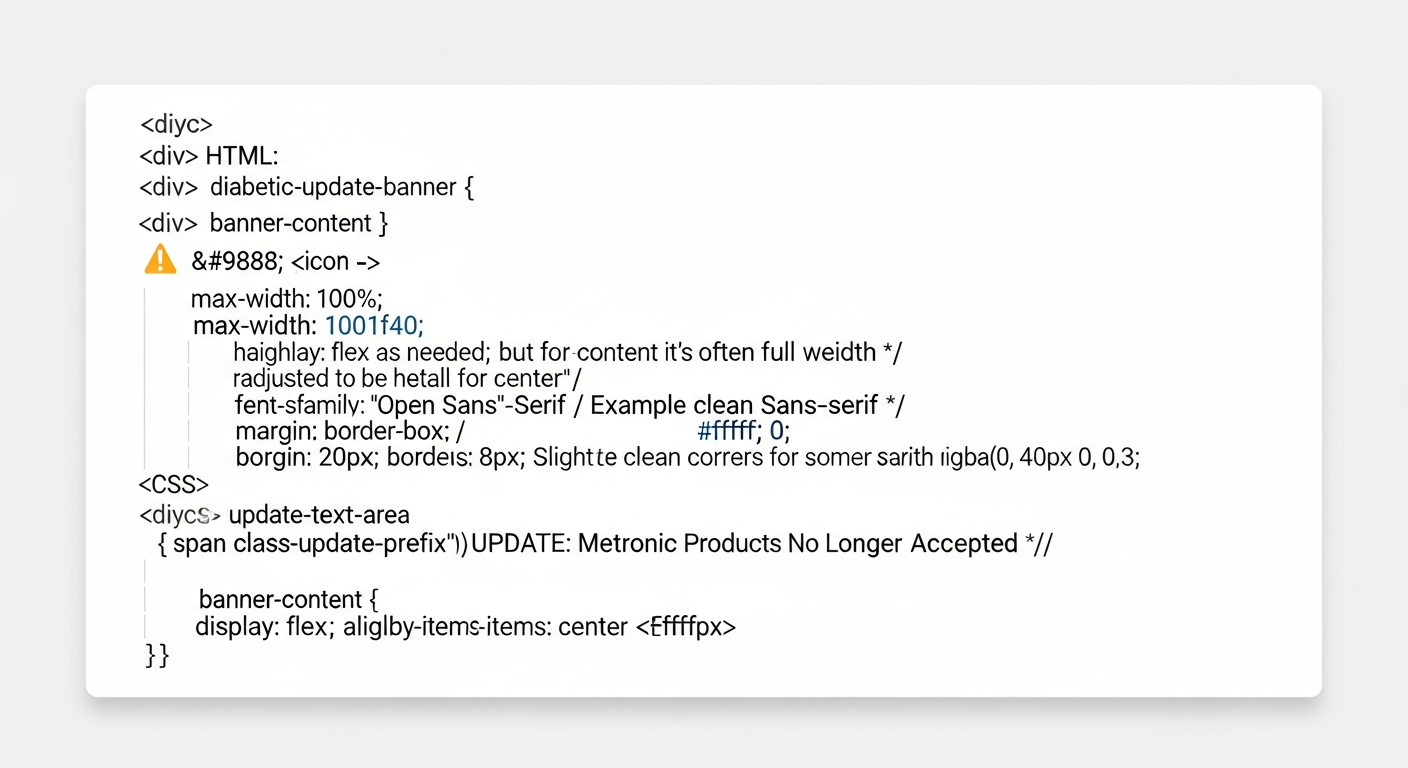
Metronic Update: We are no longer accepting Metronic (Medtronic) diabetic supplies at this time. We continue to purchase all other major brands.
Visit Omnipod.com Got ItA single banner block that communicates both updates together. Place in the hero area or above the fold.
Pick from Options A-E above based on the website layout. For WordPress/Elementor, Option A (images) is easiest — just upload and insert. For custom HTML sites, Options B-E provide copy-paste code.
The banner should be the FIRST thing visitors see. Place it above the hero section or as a top notification bar. Do not bury it below the fold.
The Omnipod recall CTA must link to omnipod.com as specified by the client. Use target="_blank" so it opens in a new tab.
Beyond the banner, update any product listing pages that mention Metronic/Medtronic to reflect that these products are no longer accepted. Remove or gray out Metronic from any "brands we accept" sections.
These are time-sensitive notices. Set a calendar reminder to review and remove the banners once the Omnipod recall is resolved and/or the Metronic policy is no longer relevant.